Skip to content
acurast.dev

Deploy to phones around the world.

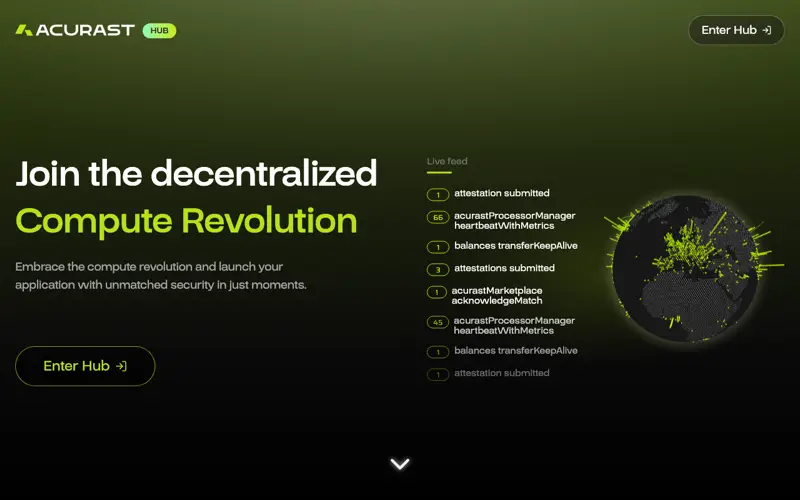
Acurast is a network of phones that run code. Rent one like a VPS with SSH, or ship a JavaScript bundle to as many phones as you ask for. Try it for free on the Canary test network.

$ acurast deploy
# acurast.json asks for three replicas
One bundle, three phones."numberOfReplicas": 3

Two ways to run on Acurast

A phone as a VPS

Ubuntu (aarch64) in an isolated rootfs on the phone, your SSH key, and a tunnel to a public *.acu.run address. SSH goes over port 443, so it works even though the phone has no public IP. Add --http-port to serve a website from it.

Good for bots, web apps, databases and game servers.

Pick a size and deploy →
Your own code on many phones

A deployment is a JavaScript bundle that runs in Node.js on as many phones as you ask for, once or on an interval. It can make HTTP requests, read environment variables and keep files in its own storage directory.

Good for scheduled jobs and anything you want to run on several phones at once.

See the example →

Your first deployment

Four steps, free on Canary. You end up as root on a phone with 8 GB of RAM for 24 hours.

  1. 1

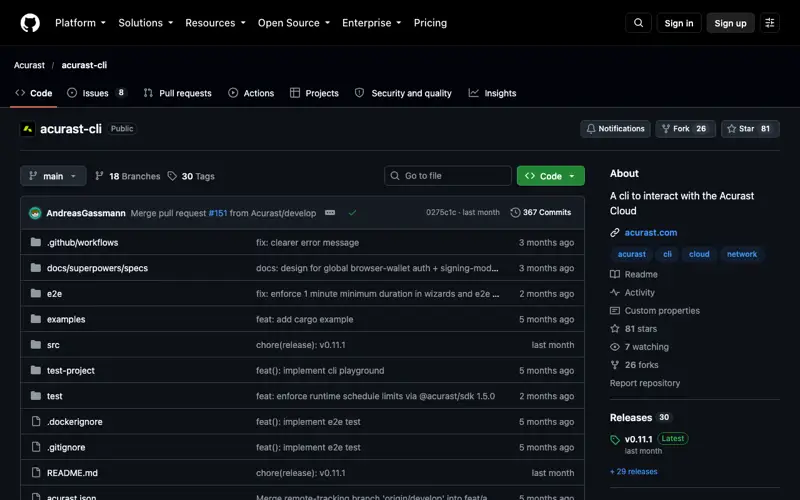
    Install the Acurast CLI. It needs Node.js.

  2. 2

    Get test tokens. Create an address and fill it with free cACU from the Canary faucet.

  3. 3

    Deploy a VPS. One command with the size, your public key and how long it runs.

  4. 4

    Connect over SSH. Through the Acurast tunnel, with the clientId from the deploy output.

Links you need: the Canary faucet, creating an address. The full guide has every size.

first deployment, on Canary
npm install -g @acurast/cli

# .env next to you: ACURAST_MNEMONIC of an account with faucet cACU
acurast deploy vps \
  --network canary \
  --min-memory 7GB \
  --min-storage 32GB \
  --authorized-ssh-key "$(cat ~/.ssh/id_ed25519.pub)" \
  --duration 24h

# then, with the clientId from the deploy output
ssh -o ProxyCommand='openssl s_client -quiet -servername %h -connect %h:443' \
  root@<clientId>.acu.run

Add --dry-run to check the deployment before any tokens are locked. Done early? acurast cancel <deployment-id> stops it and returns the unused tokens.

Hand it to your agent

One page of instructions any AI agent with a terminal can follow: how to run the Acurast CLI without prompts, what to ask you before spending anything, and how to clean up afterwards.

paste this into your agent
Read https://acurast.dev/agents.md and follow it. Start a Small VPS on Acurast Canary for 2 hours with my SSH key at ~/.ssh/id_ed25519.pub. Show me the dry run and wait for my OK before deploying.

No ACU? The Deploy Agent takes USDC on Base over x402.

Built around Acurast

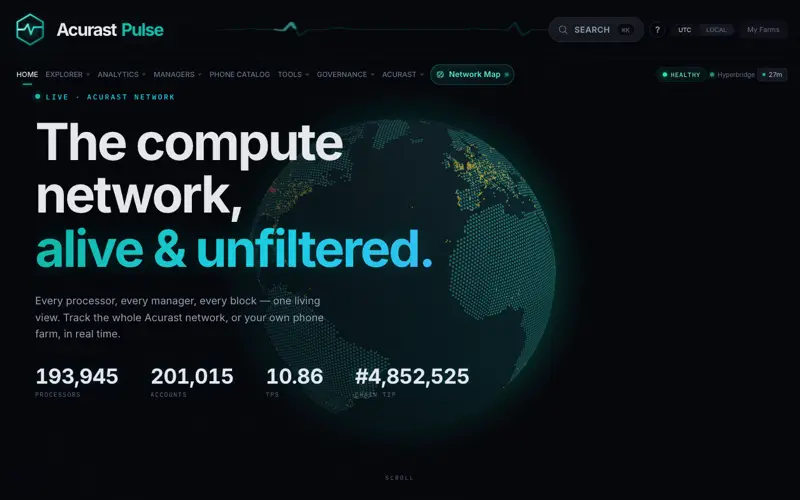
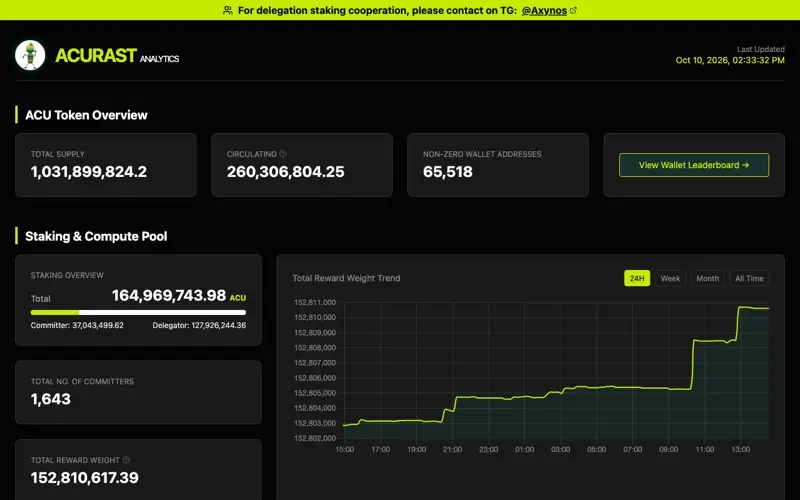
Dashboards, explorers, developer tools and services, from the Acurast team, ecosystem companies and the community. Listed for discovery, not endorsed.

See all 37 projects →